
How do you find and use keywords from a job description?
Find resume keywords in a job description by identifying the skills, tools, credentials, and tasks the employer names, then connecting them to work you actually did. Separate requirements from preferences and use the terms naturally in your resume. An applicant tracking system (ATS) may support keyword search, but there is no universal keyword percentage you need to reach.
Start with the role’s work rather than a list of every repeated word. A useful keyword tells the reader something about a qualification or responsibility; a phrase such as “exciting opportunity” does not prove you can do the job.
Separate requirements from preferences
Read the whole posting once, then mark named qualifications. Look for tools such as SQL, credentials such as a particular license, and work such as preparing monthly forecasts. Notice the words around them: “required,” “preferred,” and “willing to train” describe different expectations.
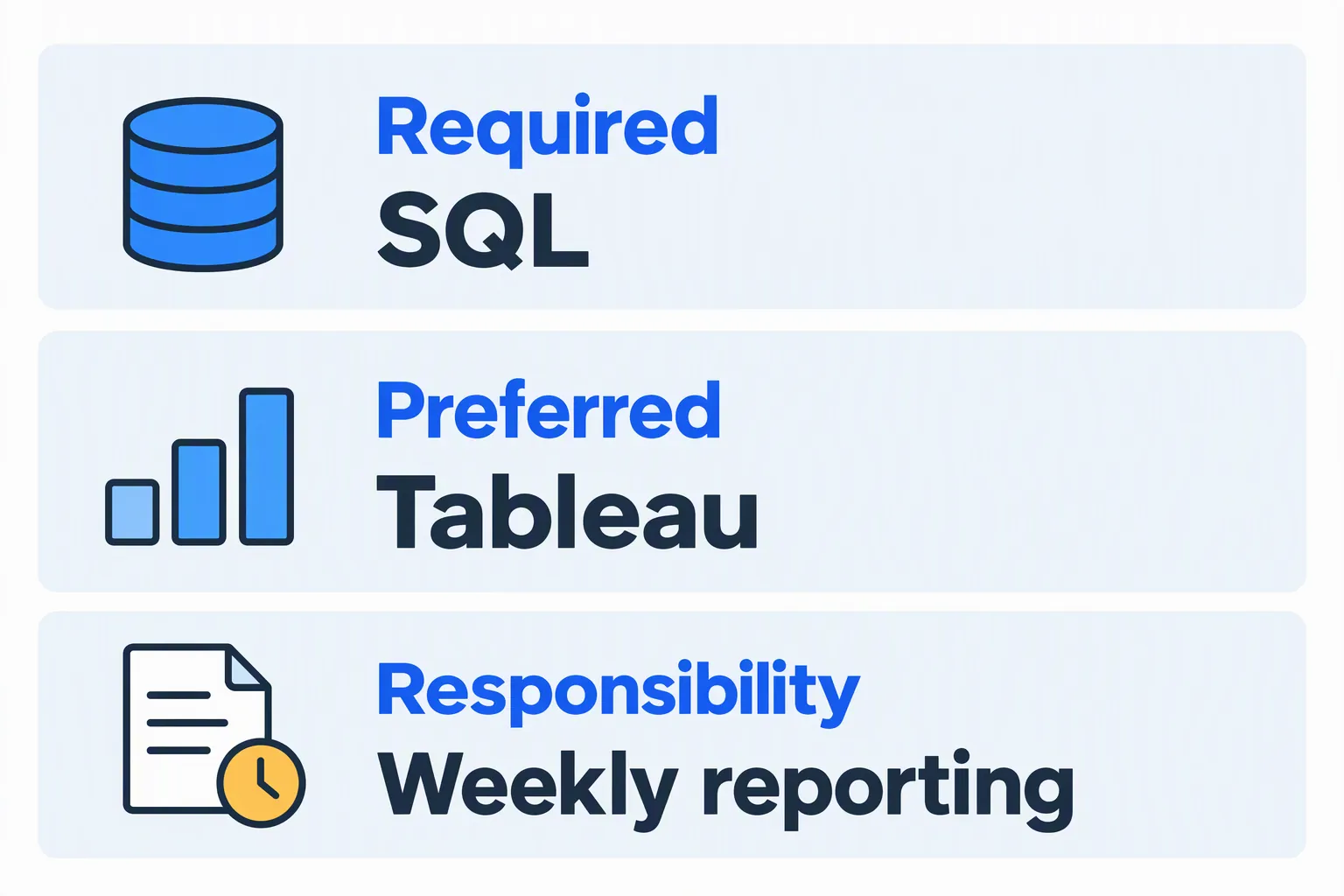
In this fictional posting, SQL is required, Tableau is preferred, and weekly reporting is part of the job. A candidate who has used SQL and prepared reports can show both. Someone who has not used Tableau should not list it as a skill merely because it appears in the posting.
Repeated terms can signal emphasis, but repetition is not a scoring formula. A required license may appear once and still be essential. A repeated company slogan may tell you little about the qualifications needed.
Build a small evidence map
For each useful term, record the wording in the posting, what you have done, and where that evidence belongs. A simple table in your notes is enough; you do not need to put the table in your final resume.
| Posting term | Candidate evidence | Resume location |
|---|---|---|
| SQL | Queried order records for weekly reports | Skills and the relevant role |
| Stakeholder communication | Explained report changes to warehouse managers | Experience bullet |
| Tableau preferred | No current experience | Leave off the skills list |
This map helps distinguish missing wording from missing experience. If you know the skill but never named it, clarify the evidence. If you lack it, consider whether it is a preference you can develop or a requirement that makes this opening a weaker fit.
Use the term in a sentence that explains the work
A skills section makes tools easy to locate. Experience and project bullets explain how you used them. Use both when useful without repeating the same line in every section.
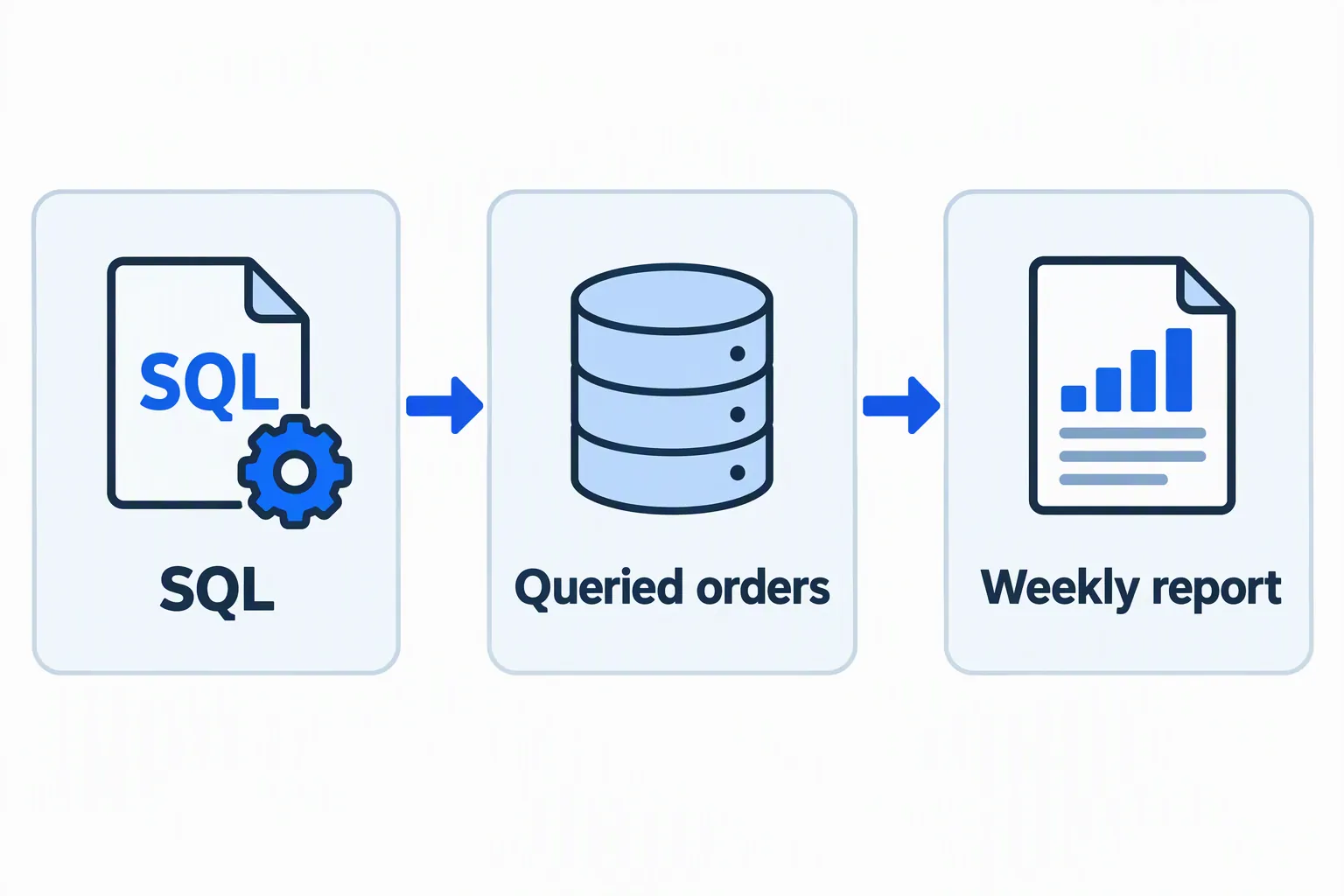
Illustrative revision: show SQL in context
Handled reports and database work.
Used SQL to query order records and prepare weekly fulfillment reports for warehouse managers.
The fictional revision names the tool, action, output, and audience. It does not add an unsupported improvement or change the candidate’s job title.
Do not turn each bullet into a list of disconnected terms. A recruiter still needs to understand what you did and whether the work was substantial enough for the role. One precise sentence can provide more useful evidence than several repeated labels.
Handle synonyms, abbreviations, and job titles carefully
Use the employer’s wording when it accurately describes the same skill. If the posting names “customer relationship management,” writing “customer relationship management (CRM)” once can help a reader connect the phrase and abbreviation. After that, use whichever wording is clearer.
Do not assume every system recognizes every synonym, and do not assume it recognizes none. Greenhouse documents full-text keyword search that returns matching candidates and context snippets. This is a specific feature, not evidence for a universal rejection rule or synonym policy.
Keep your actual job titles. A retail supervisor can describe customer support work, but should not become a “Customer Success Manager” simply because that is the target title. You can add a brief truthful description of the role’s focus when an internal title is unclear.
Avoid keyword stuffing and hidden text
Keyword stuffing means repeating terms to influence software rather than explain qualifications. Hidden white text, copied job descriptions, and long strings of tools you have not used make the resume less reliable. They do not give a person evidence that you can do the work.
Read the resume aloud. If a phrase feels unnatural, ask whether it adds information. Keep a skill where it helps someone understand your experience, and remove repetitions that serve no purpose.
For an emerging skill, label your level and source honestly. “Python coursework: cleaned a public dataset in a class project” describes learning. “Professional Python development” would overstate that same experience.
Read checker findings as evidence feedback
When you provide a job description, this checker can show matched, partial, and missing evidence. In the Democruit report, those statuses classify evidence; they are not simply counts of words. Open the detail and compare its assessment with the original resume.
Without a description, the report is not a comparison against a specific job. Its score does not reveal the employer’s settings, and the separate local PDF checks do not measure original fonts or columns. Learn how to read the report before changing facts to satisfy a number.
Review your keyword choices
- Prioritize the actual requirements and tasks, not every repeated phrase.
- Connect each skill you list to truthful work, training, or project evidence.
- Use accurate wording and keep real titles, dates, and credentials.
- Remove repetition and hidden text, then proofread the full resume for a human reader.
Your next step
Choose resume keywords from the job description that describe your real qualifications. Show their use in context, distinguish preferences from requirements, and use comparison feedback to clarify evidence rather than manufacture it.
Run the free ATS resume check to review your PDF before applying. For more on selecting relevant experience for a role, read Democruit’s resume tips article.
Sources and product behavior checked October 4, 2026. Illustrations and worked examples are fictional; employer systems and requirements vary.
Frequently asked questions
How many keywords should I include?
There is no universal required count or percentage. Include the terms that accurately describe relevant skills and work, with enough context to make them meaningful.
Should I copy the job description into my resume?
No. Use its terminology when it describes your experience, then write your own evidence. Copying the posting or hiding it in the file can misrepresent your qualifications.
Can I add a skill I am still learning?
Yes, if you label the experience accurately and it is relevant. A course or personal project should not be presented as professional experience you do not have.
Does a missing keyword mean automatic rejection?
Not necessarily. A missing term may affect a specific search or reflect a real qualification gap, but it does not establish a universal automatic rejection rule. Read the requirement and the checker’s evidence before deciding what to change.